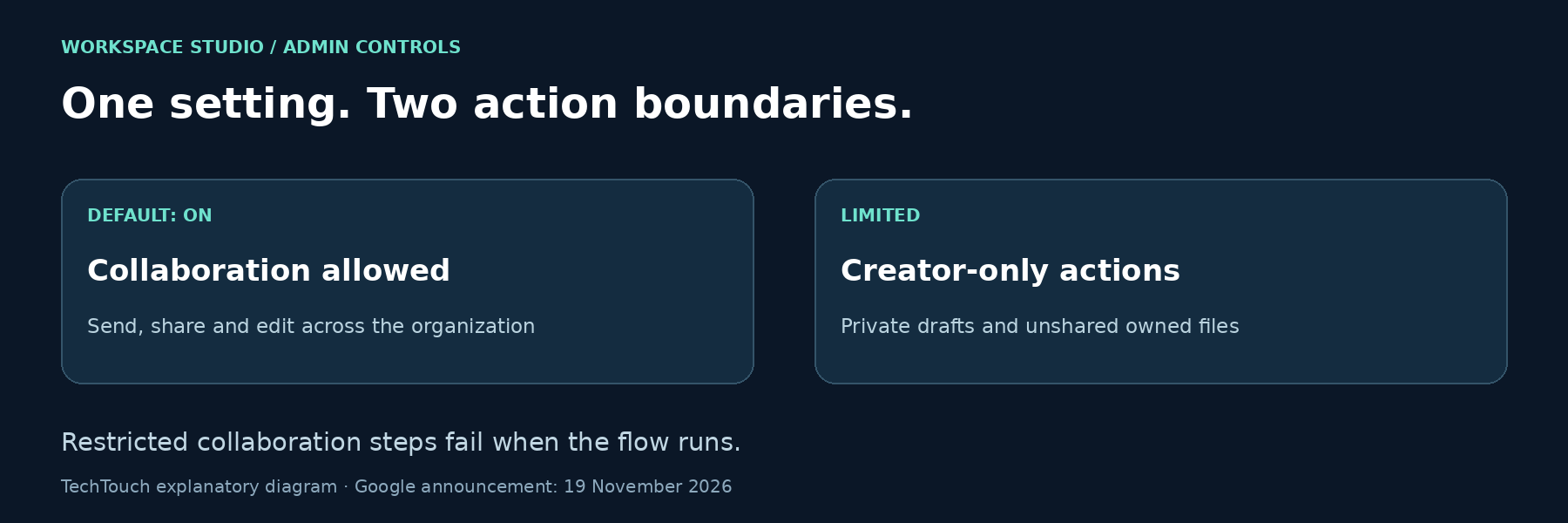
Default collaboration compared with creator-only actions; restricted collaboration steps are blocked when they run
Default collaboration compared with creator-only actions; restricted collaboration steps are blocked when they runOriginal image: TechTouch ↗
Enterprise software · Automation

Workspace Studio adds collaboration controls. A step you can configure may still be blocked at runtime

Google’s November 19 Collaboration steps rollout explained through existing flows, approval states and a fictional four-case acceptance exercise.

Google announced Collaboration steps controls for Workspace Studio on November 19, 2026. Collaboration remains enabled by default; administrators can restrict actions affecting others. Both release tracks start a gradual rollout of up to 15 days, so an announcement does not establish access on every account.

The key points

  • Separate reading information from actions that change what others see
  • Include existing flows in the review, not only newly created ones
  • Record policy blocks separately from pending approval

Where the new control fits

The announcement places the setting under Workspace Studio > Collaboration & approvals, scoped by domain, organizational unit or group. There is no end-user switch. Google lists supported Business, Enterprise and Education editions; check the actual organization’s entitlement before changing configuration.

TechTouch analysis: inventory each step’s side effects: who receives the output, who can see the destination, and which information leaves the creator’s private area. Start with the outcome the job needs to achieve. A flow name or a well-written prompt is too little evidence for deciding what it may change.
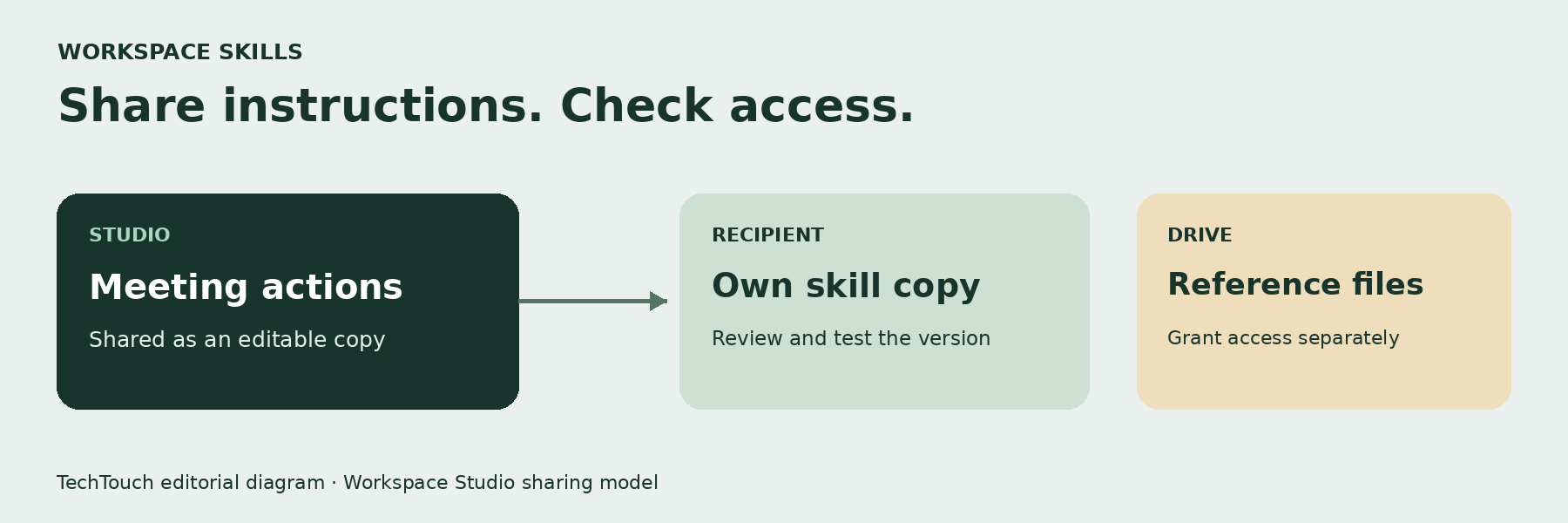
The editor and a completed run answer different questions

Admin guidance says steps stay selectable in the editor, with restrictions enforced at runtime. Existing flows pick up the change on their next run without being toggled off and on. The setting covers Google Workspace steps, excluding starters and read-only actions. Third-party, custom-step and webhook controls are separate.

TechTouch analysis: a saved flow demonstrates configuration, while an acceptance record should demonstrate the intended result. When an action fails, retain its step name and explanation before rewriting the AI instructions. Otherwise the investigation may spend time adjusting a prompt when the relevant difference is the destination or account scope.

Approval is a separate state to track

User guidance describes a flow pausing for approval before the governed action runs. The user can review and approve or reject the request. A pending request therefore establishes that a decision is needed; it does not establish delivery or completion.

TechTouch analysis: distinguish not started, awaiting a decision, blocked and completed. Assign someone to follow each unresolved state. A readiness message should point to the observed result and the time it was checked. Keep that record separate from the fact that the flow has been activated.

A fictional exercise: four versions of a meeting note

TechTouch example: use three invented meeting facts. The team will review a form on Friday; the test team owns the task; the publication date is undecided. Ask the flow to summarize only these facts. The result must not invent a release date or introduce real people. Prepare authorized test accounts and destinations before running the exercise.

Make four copies using the table. Change one variable at a time and record the original value. If the setting has not appeared or reached the pilot group, record the case as unverified. Do not change organization-wide policy merely to accelerate the demonstration. Keep real email recipients and working chat spaces outside the test.

Set acceptance criteria in advance: all three facts must survive, no extra claim may appear, and each action’s result must match the destination’s effective permissions. A deliberately disallowed case needs a clear reason. An allowed case needs an observed output. Keep the invented input identical across runs so configuration differences can be examined independently from variation in AI wording. This is a proposed exercise; TechTouch has not tested it on a live Workspace account.

Review activity and make restoration explicit

Studio’s interface guide points to My flows > Activity for completed, in-progress and error runs, with expandable step details.

TechTouch analysis: retain run time, flow revision and pilot-group identity alongside each result. An editor screenshot alone cannot tie an observed outcome to a particular run.

Before expanding the pilot, have the administrator and process owner review the same record. Confirm that intended policy failures have been distinguished from unrelated errors. Write down the previous configuration, the person responsible for restoring it and the checks to perform afterward. Keep tokens and customer content out of the evidence. Expand the scope only after there is a result both reviewers can assess.

Details and limitations

Fictional pilot caseWhat changes in the testEvidence to retain
Private taskDraft the sample note in an unshared test locationBefore/after result and destination owner
Collaborative taskKeep the sample text but use a shared test fileBlocked step and its explanation
Existing flowCopy a sample flow created before the policy changePolicy-change time and next-run result
Approval pathSeparately exercise an authorized approval scenarioPending state, decision and subsequent result

Things to know and check

  • Check edition, rollout and the group with effective policy
  • Inventory recipients, destinations and each step’s side effects
  • Include existing flows and restricted cases with invented data
  • Separate blocked, pending approval and completed in reports

Sources used for verification

Vendor facts are separated from TechTouch guidance. Features, pricing, and commercial terms may change, so check dates and conditions at the original source.

  1. Google Workspace Updates · Collaboration steps · 19 Nov 2026 (official archive)
  2. Google Workspace Admin Help · Collaboration and approval controls
  3. Google Help · Review flow activity
  4. Google Help · Manage flow approval requests
Our editorial approach

Frequently asked questions

Does a selectable step prove it will run?

Inspect the actual run and per-step explanation. Editor availability does not establish execution permission.

Does the setting stop every kind of data access?

No. Admin guidance scopes it to Google Workspace steps and excludes starters and read-only actions.

Is this a live-account test report?

No. The exercise and acceptance criteria are hypothetical TechTouch recommendations.

Workspace and Studio skills rollout