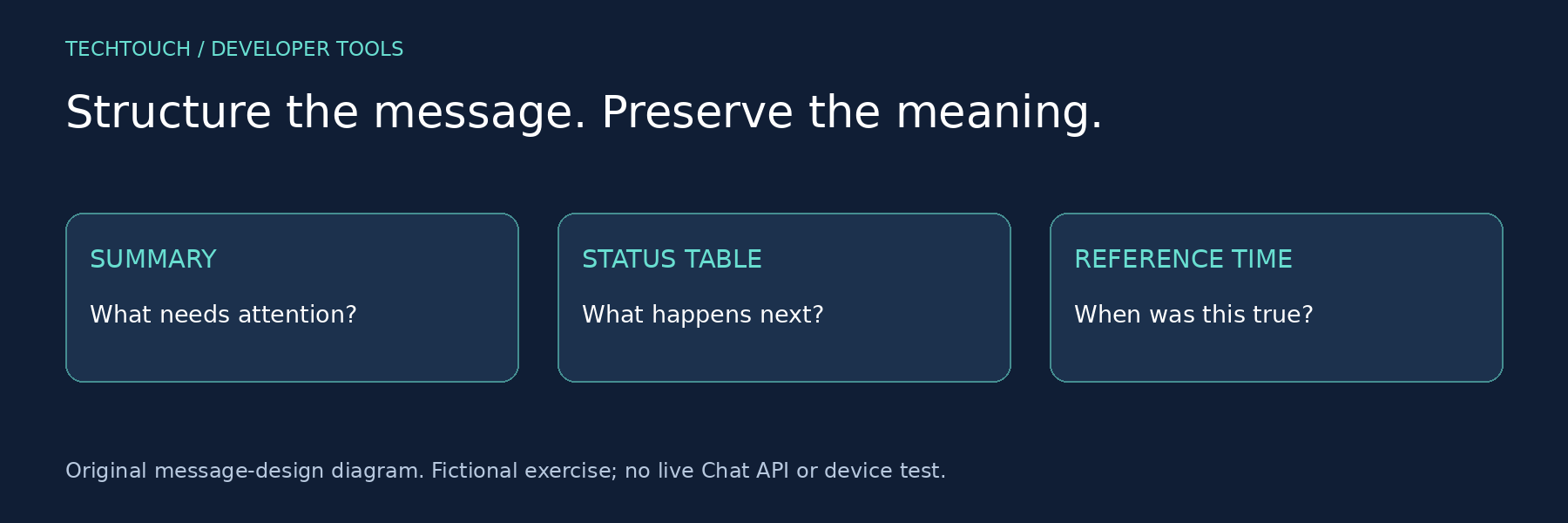
Original diagram pairing a short summary, a status table and a reference time
Original diagram pairing a short summary, a status table and a reference timeOriginal image: TechTouch ↗
DEVELOPER TOOLS · TEAM COMMUNICATION

Google Chat adds tables and headings for apps and agents. Check the markup before switching.

The November 23 update, its mobile presentation and an original fictional status-digest exercise for developers.

App-generated reports can move beyond a single block of text. Google has added tables and headings to messages sent by apps and agents through the Chat API. This report separates presentation from data quality, then works through a fictional message-design exercise.

The key points

  • App messages gain structure; the compose box is a separate surface
  • Do not assume existing apps automatically change syntax
  • Readable tables still need verifiable data and timestamps

What changed, and who can see it?

Google’s November 23 announcement lists availability now for Workspace, Workspace Individual and personal accounts. Apps can send tables and three heading levels through the API. Web tables appear in messages; Android/iOS users open Show table. The compose box cannot create these formats. There is no administrator or user toggle for the feature.
Check syntax before changing existing messages

Developer guidance distinguishes Markdown from Chat markup. New apps default to Markdown; existing apps and incoming webhooks retain Chat markup. Specify markup_syntax in a request to make the choice explicit. Headings and tables use Markdown; a table separates columns with pipes and places a dashed separator beneath its header.

TechTouch method: begin with one recurring message type. Record its sending route and existing syntax before editing. If an old report contains links or mentions, add both to the review list. Delivery to the correct room alone does not establish that readers interpret every part correctly. Avoid changing all message types at once: a small comparison makes it easier to identify which edit changed the meaning.

A digest that keeps meaning beside the data

TechTouch fictional exercise: imagine a report titled “09:00 review.” It has three rows: product description—awaiting review; attachment check—needs information; link check—completed. Use Job / Status / Next step as columns. Do not include customer data or real people’s names.

Above it, write “One job needs more information before review can continue” and show a reference time. Below it, explain that the table is a snapshot. Readers can then answer which row needs action, how their own work system assigns the next person, and which facts might have changed since the message was sent. This is a design example, not a message sent to a Google account.

Read the same message in four situations

Use the worksheet above on paper or in a mockup first. Start with the ordinary digest, then replace a short job title with a long title and Thai text. Ask a participant how many jobs are blocked without having the author explain the answer. If interpretations differ, revise column names or the opening summary before adding colors or symbols.

Next, create a revision that changes one status, and another report with a result still missing. Show all versions and ask which is newest and which lacks evidence. Record why readers got an answer wrong. Do not claim a real productivity improvement until it has been measured on repeatable work. This exercise is not an on-device test of Google’s renderer.

Better formatting does not replace evidence

TechTouch analysis: structure gives the sender more control over information order, but trust still depends on provenance, reference time and a clear way to report unknown results. For agent summaries, retain a path back to the original record that the reader is authorized to access. Separate automated observations from human-confirmed outcomes. Turning a guessed status into a neat table does not make it factual.

Details and limitations

Fictional exerciseInspectTeam-defined acceptance rule
Three-job digest on the webColumn names and status meaningsUnderstand each row without guessing its unit or owner
Long job name on mobileComprehension when opening the tableA short summary carries the main point outside the table
Resend after a correctionReference time and report revisionDistinguish the newer report from the old message
Incomplete dataEmpty values and their explanationMissing evidence is not read as completed work

Things to know and check

  • Record the sending route and existing markup syntax
  • Keep the main message outside the table
  • Show reference time and identify incomplete evidence
  • Check actual web and mobile behavior before wider use

Sources used for verification

Vendor facts are separated from TechTouch guidance. Features, pricing, and commercial terms may change, so check dates and conditions at the original source.

  1. Google Workspace Updates · 23 Nov 2026
  2. Google Chat API · Format messages
Our editorial approach

Frequently asked questions

Can users type these tables in the compose box?

This announcement concerns app and agent messages through the API; the compose box is a separate surface.

Does this add an AI plan or model allowance?

The announcement covers Chat presentation availability, not additional AI model access or quota.

Was a message sent during this exercise?

No. The worksheet uses fictional data. No Chat API call or live device test was performed.

Workspace Studio collaboration controls