Google Apps Script Data Regions is generally available
Google now applies Data Regions policies to covered Apps Script files, trigger metadata, key-value storage, and runtime processing, with edition-specific limits.
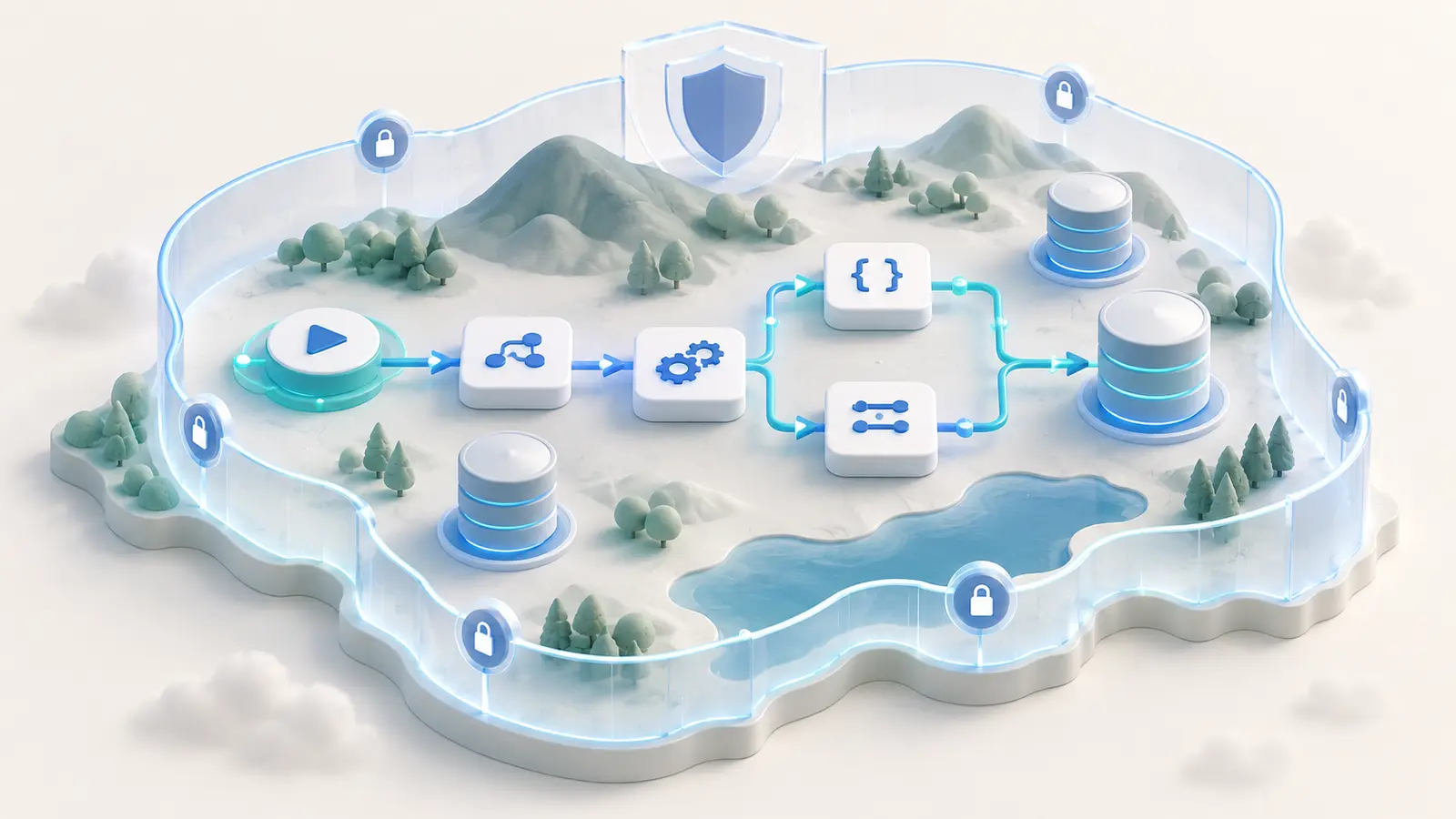
When a Data Regions policy applies to an OU or group, covered Apps Script data and execution follow the designated geographic region. This includes script files, manifests, trigger metadata, Property Service, Cache Service, and runtime execution. Support varies by edition and does not automatically regionalize external services or custom cloud logging.
Best for: Large enterprises, public-sector and education organizations, and regulated teams that automate Workspace data with Apps Script.Points for a team pilot
What changed
Data Regions support for Apps Script is now generally available. Apps Script follows the location policy assigned to an organizational unit or group, extending Workspace residency controls to script storage and runtime execution.
Availability and limits
Google lists Enterprise Plus and Frontline Plus for in-region storage and processing. Education Standard and Education Plus receive in-region storage only. End users have no separate switch; the administrator's policy applies automatically.
Non-regionalized services
Google says non-regionalized Apps Script services will be disabled starting in September 2026 for organizations that enable the Drive and Docs disablement toggle in advanced settings. Inventory scripts and dependencies before enabling the restriction so critical automation does not stop unexpectedly.
Implications for Thai organizations
The feature strengthens data-residency controls, but it is not automatic PDPA or regulatory compliance. Review selectable regions, data-processing terms, logging, external APIs, destination systems, and the full data lifecycle.
Dates and evidence
Google announced general availability and marked the feature available now on September 16, 2026. No separate source-update date was found.
Before getting started
- Inventory production Apps Script projects and triggers
- Confirm edition and Data Regions policy by OU/group
- Separate storage location from processing location
- Test non-regionalized dependencies before disablement
- Review external APIs and custom cloud logging
- Document results and a rollback plan for critical automation
Frequently asked questions
Does enabling Data Regions guarantee PDPA compliance?
No. Residency is one control. Organizations must still address legal basis, purpose, rights, retention, processors, and security.
Is it available in every Workspace plan?
No. The announcement names Enterprise Plus, Education Standard/Plus, and Frontline Plus, with different storage and processing coverage.
Sources used for verification
Vendor facts are separated from TechTouch guidance. Features, pricing, and commercial terms may change, so confirm the latest information at the time of purchase.