How to Choose Gemini for Google Workspace
Evaluate Gemini across Gmail, Docs, Meet, and Workspace by edition, users, security requirements, and measurable adoption outcomes.
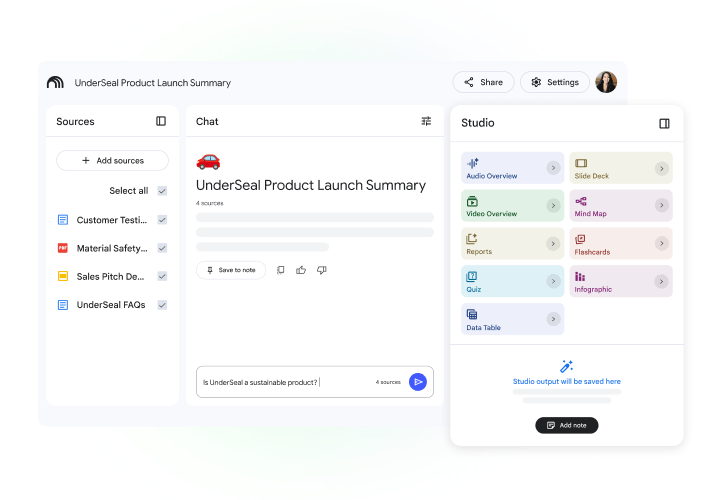
Organizations already using Google Workspace should first confirm their current edition, licensed users, and included AI capabilities. Then pilot clear use cases in Gmail, Docs, Meet, or NotebookLM before rolling out more broadly.
Best for: Organizations that want AI embedded in existing Google Workspace workflows instead of another disconnected tool.Storage depends on the edition
These amounts add to the organization's pooled storage; they are not AI response quotas.
- Business Starter
- 30 GB
- Business Standard
- 2 TB
- Business Plus
- 5 TB
Added to the storage pool per user
Added to the storage pool per user
Added to the storage pool per user
Compare before deciding
Permissions come before prompts
Gemini can retrieve information a user is authorized to access. Review permissions and shared drives before enabling AI across a broad user population.
Make the pilot measurable
Choose two or three frequent tasks with clear quality criteria and avoid sensitive data in the initial phase. Measure both time saved and output quality before expansion.
Quotation preparation checklist
- Current Workspace edition and renewal date
- Pilot users and departments
- Current permission and shared-drive model
- DLP, retention, and device requirements
- Outcome metrics such as drafting or meeting-summary time
Frequently asked questions
Does Google use company data to train Gemini?
Google states that organizational Workspace data is not used to train Gemini models or for advertising. Review the latest Workspace terms before rollout.
How many users do Business editions support?
Google's pricing page lists Business Starter, Standard, and Plus for up to 300 users, with Enterprise available beyond that scale.
Should we enable it for everyone immediately?
Review capabilities already included in the current edition and begin with users who have clear, measurable use cases.
Sources used for verification
Vendor facts are separated from TechTouch guidance. Features, pricing, and commercial terms may change, so confirm the latest information at the time of purchase.