Gemini in Google Workspace connects to business tools through MCP
Google adds third-party connectors for Asana, Atlassian Rovo, HubSpot, Mailchimp, QuickBooks, Monday, and Salesforce, with domain, OU, and group controls.
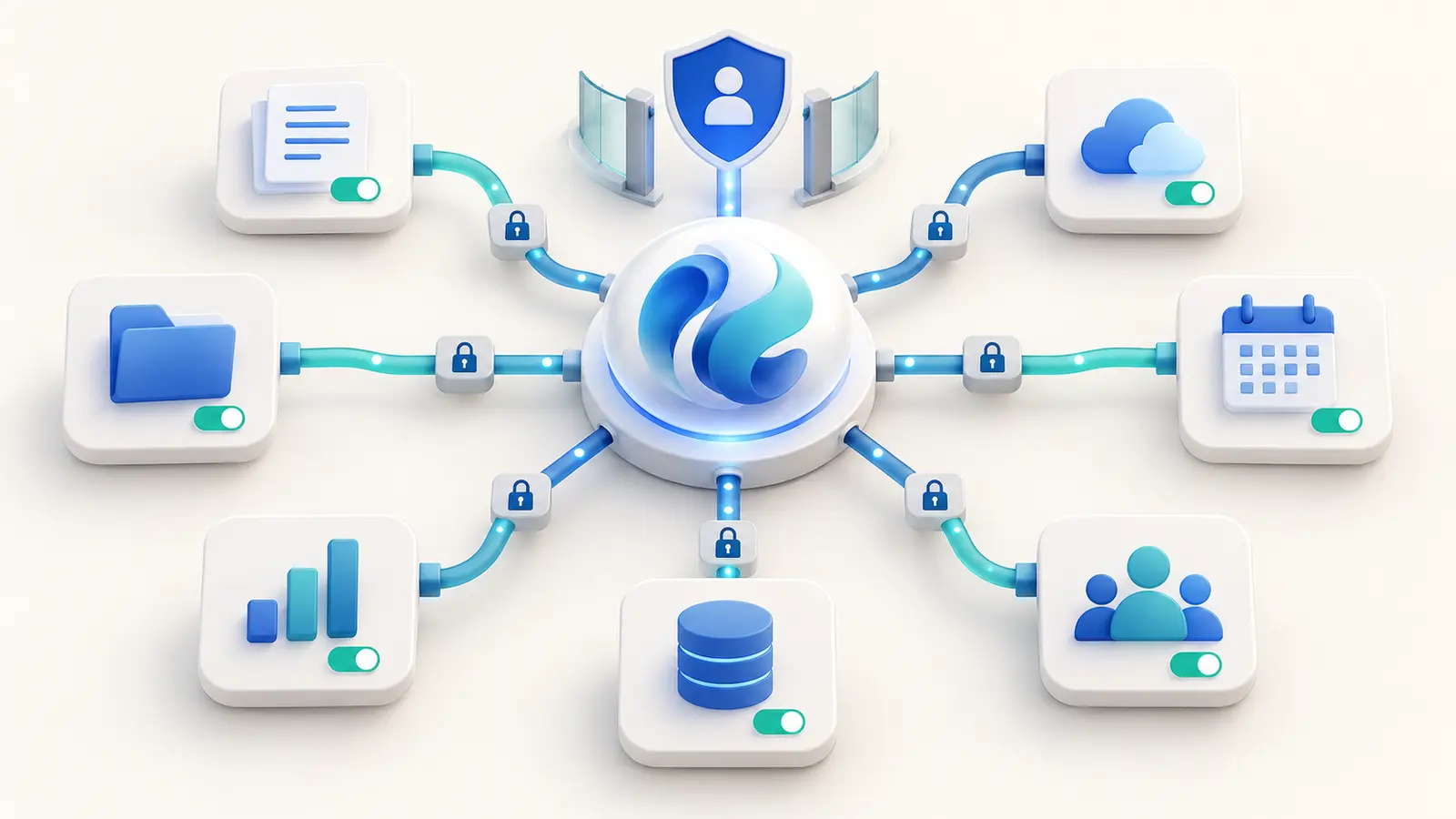
Gemini in Workspace can connect to seven categories of business tools through Model Context Protocol and use them from the side panel in Docs, Sheets, Slides, and Google Chat. The feature is on by default for eligible Gemini for Workspace users, while administrators can manage connectors by domain, organizational unit, or group.
Best for: Organizations using Google Workspace alongside CRM, project, marketing, or accounting SaaS products.Points for a team pilot
What changed
Users can retrieve information from connected business systems through Gemini without repeatedly downloading files or switching tabs. Google says these connectors use MCP and are managed in Admin console under Apps > Google Workspace > Gemini for Workspace > Third-Party Connectors.
Availability and limits
Google lists the feature as available now for the named Business, Enterprise, Enterprise Essentials Plus, consumer Google AI, and education add-on editions. A supported Workspace plan does not automatically grant access to external-system records; account connection and source-system permissions still apply.
Implications for Thai organizations
Sales, marketing, and project teams can bring cross-system context into their existing work surface. Because the feature is on by default for eligible users, IT should review settings promptly. Begin with one connector and a restricted OU or group, then inspect the data Gemini can actually retrieve.
Data considerations
MCP is a tool-connection mechanism, not a blanket assurance that every connector suits every data class. Review source-account permissions, scopes, tokens, logs, revocation, and the terms of each third-party service.
Dates and evidence
Google announced the feature and marked it available on September 15, 2026. No separate source-update date was found.
Before getting started
- Review Third-Party Connectors in Admin console
- Disable connectors without an owner and use case
- Pilot with a restricted OU or group
- Test allowed and denied data across roles
- Revoke tokens when roles change or staff leave
- Review each external SaaS data policy
Frequently asked questions
Does Gemini see every Salesforce record after enablement?
Do not assume so. Access depends on the connected account, source permissions, and administrator policy. Test both allowed and denied cases with several roles.
Does MCP make a connection secure automatically?
No. Security depends on implementation, authentication, scopes, tokens, logging, and organizational governance.
Sources used for verification
Vendor facts are separated from TechTouch guidance. Features, pricing, and commercial terms may change, so confirm the latest information at the time of purchase.