AI BUYER GUIDE · 2026

Copilot Chat vs Microsoft 365 Copilot: what to check before buying

Check existing entitlements, organizational grounding, app experiences and agent costs before requesting a Microsoft Copilot quotation.

Inspect your existing organizational entitlements, then test the work you need to complete. Copilot Chat and add-on licensed experiences differ in grounding, access and application conditions. A Copilot button alone does not establish the full entitlement.

Best for: Organizations already using Microsoft 365 and considering additional AI licenses

Key details

TopicWhat to checkEvidence to keep
Identity and entitlementQualifying subscription and individual licensesAdmin Center license inventory
GroundingWeb, supplied files or supported organizational contextTests with approved files and mail
Application experienceApp, client version and tenant configurationScreenshots and completed tasks
Agents and budgetIncluded rights versus additional chargesSKU and quotation conditions

What Microsoft documentation establishes

Microsoft describes Copilot Chat for Entra accounts with qualifying subscriptions. Available capabilities and grounding depend on the experience and licensing. The add-on licensed experience provides broader reasoning across Microsoft 365 organizational data.

Current documentation distinguishes supported Outlook context from general chat and standard from priority access. Claims that unlicensed users can never use company content, or that every user receives identical capabilities, are too broad.
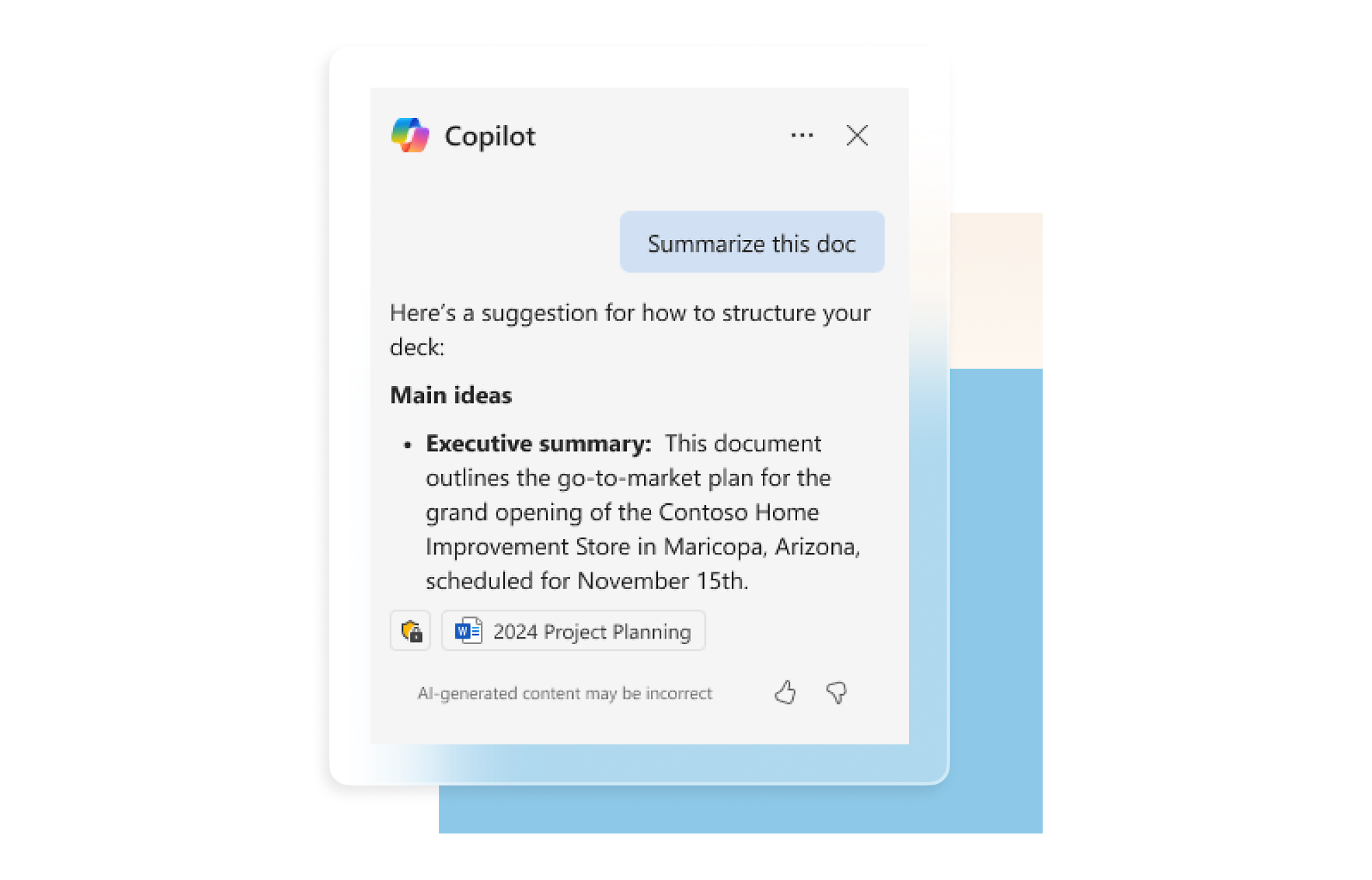
Compare three actual tasks

Ask the team to select tasks such as summarizing project email, drafting a document from reference files and analyzing a spreadsheet. Test with approved accounts and data. Record which application works, whether uploads are required and how much review remains.

If most tasks use files prepared by the user, evaluate existing entitlements first. If cross-source organizational reasoning is essential, test the proposed licensed experience directly instead of assuming another account’s demonstration will apply.

Review permissions before expanding access

Broader information retrieval requires well-managed source permissions. Review open sharing links, outdated group membership and unnecessarily broad SharePoint or OneDrive access.

Include data owners and different user roles in acceptance testing. Test information that must remain inaccessible as well as information the user should retrieve. A no-training commitment does not replace internal permission management.

Separate license and agent charges

Microsoft publishes agent requirements and charging arrangements separately from parts of Copilot Chat. Ask the supplier to confirm the actual services and budget controls instead of assuming every agent is included in a seat price.

A reviewable quotation should identify the SKU, prerequisite subscription, users, billing cycle, setup, training and post-handover responsibilities. Confirm current pricing and entitlements when ordering.

Expand only where the evidence supports it

TechTouch recommends starting with roles that have defined work and qualified reviewers. Measure total time and accepted output before expansion. This is rollout guidance, not a guarantee that a product will suit every team.

Give procurement the existing Microsoft 365 plan, user count and task examples so that buyers and users evaluate the same requirement and can verify what is delivered.

Things to know and check

  • Inventory base subscriptions and user licenses
  • Specify three tasks in the actual apps
  • Review file and group permissions
  • Separate agents and additional services
  • Confirm SKU, billing cycle and handover scope

Sources used for verification

Vendor facts are separated from TechTouch guidance. Features, pricing, and commercial terms may change, so check dates and conditions at the original source.

  1. Microsoft — Copilot Chat overview
  2. Microsoft — Copilot plans for enterprise
  3. Microsoft — Copilot Chat privacy
Our editorial approach

Frequently asked questions

Does a Copilot button prove full licensing?

No. Verify the experience label, individual entitlements and the capabilities required in each application.

Can Copilot Chat never use company data?

That is too broad: supplied files, supported application context and agents can provide company information subject to applicable rights.

Should every employee get an add-on?

Start with roles that show measurable benefits and use pilot results to decide where to expand.

Run a 30-day AI pilotCopilot vs ChatGPT Business