Microsoft 365 Copilot vs ChatGPT Business: Which Fits Your Team?
Compare Microsoft 365 Copilot and ChatGPT Business by workflow, company knowledge, administration, security, and organizational procurement.
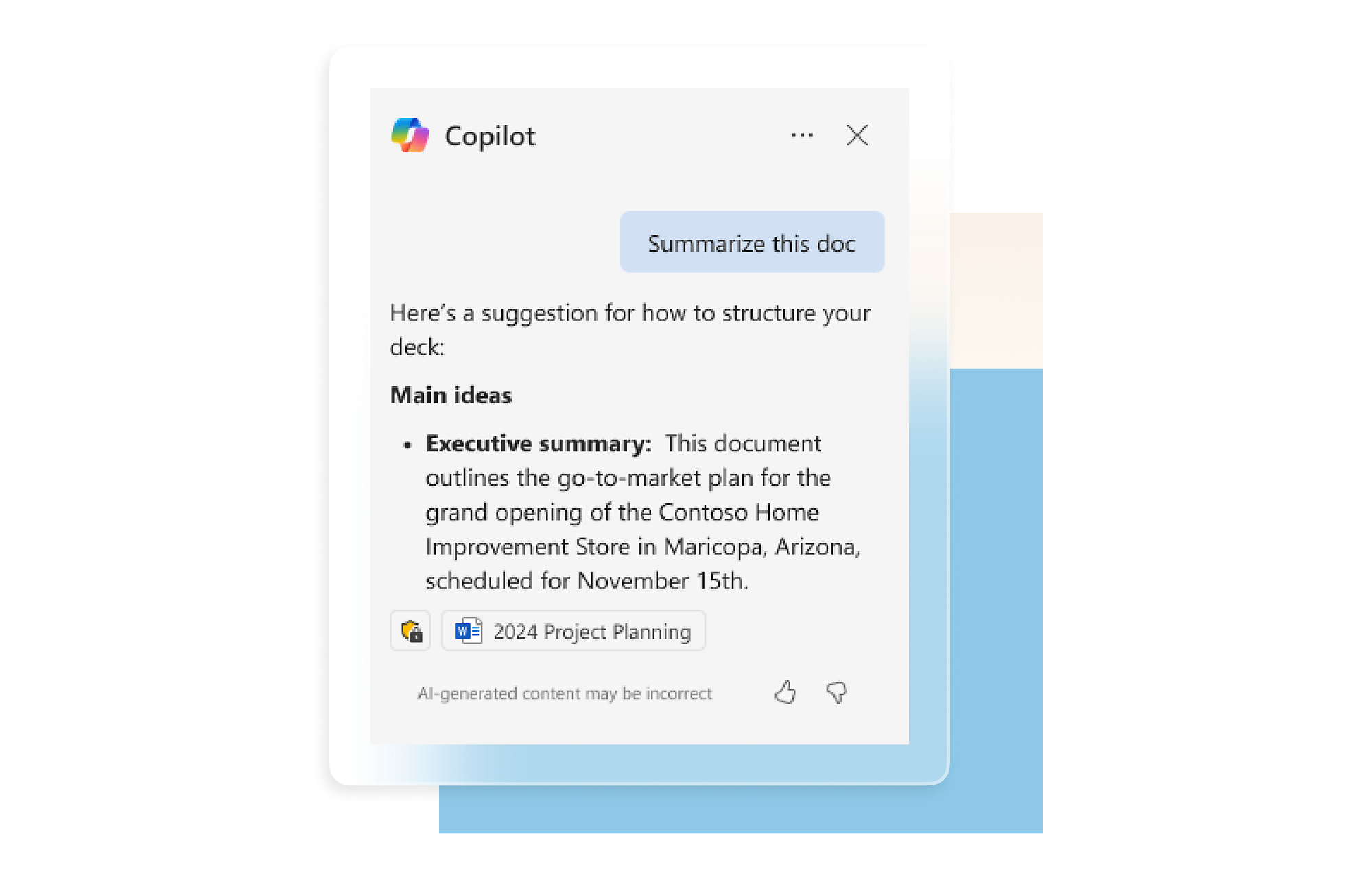
Microsoft 365 Copilot is strongest when work and information live in Word, Excel, PowerPoint, Outlook, Teams, and Microsoft 365. ChatGPT Business is designed as a cross-tool AI workspace combining ChatGPT, Codex, analysis, and connectors. Start with the team's data sources, actual tasks, and existing administration model.
Best for: Organizations selecting a primary AI platform or designing a pilot between Microsoft 365 Copilot and ChatGPT Business.Separate base licenses from AI access
Check existing accounts and plans before calculating additional licenses.
| Service | License check | Do not assume |
|---|---|---|
| Copilot Chat · web | Included with an eligible Microsoft 365 subscription | Not the same as work-based chat |
| Microsoft Copilot · work | Requires a qualifying base plan and Copilot license | Check the edition and required capabilities |
| ChatGPT Business | Workspace starts at 2 ChatGPT seats | Billed separately from Microsoft 365 |
Compare before deciding
When Microsoft 365 is the center of work
Copilot has an advantage for email, meetings, documents, spreadsheets, and presentations. Confirm the qualifying license and clean up SharePoint permissions before rollout.
When work crosses systems
ChatGPT Business is positioned as a workspace across services and includes ChatGPT with Codex, making it relevant for research, analysis, development, and workflows outside Microsoft 365.
Some organizations use both
Copilot may serve document- and meeting-heavy roles while ChatGPT Business serves analysis, product, or engineering teams. Define distinct use cases and allowed information to avoid unnecessary overlap.
Quotation preparation checklist
- Share of work already in Microsoft 365
- Coding/Codex versus document workflow needs
- Data sources the AI must access
- SharePoint, Teams, and file permissions
- SSO, offboarding, retention, and audit
- Pilot group and licenses
- Adoption, time-saved, and quality measures
Frequently asked questions
Is Microsoft 365 Copilot automatically included with Microsoft 365?
Some eligible accounts include Copilot Chat, while the full Microsoft 365 Copilot offering requires a qualifying plan and current licensing. Verify the exact entitlement.
How many users are required for ChatGPT Business?
OpenAI currently states that standard ChatGPT seats start from two users. Confirm current seat and commercial terms at purchase time.
Which option is safer for an organization?
Both provide business controls. The right fit depends on identity, permissions, retention, integrations, and the policy the organization can operate effectively.
Sources used for verification
Vendor facts are separated from TechTouch guidance. Features, pricing, and commercial terms may change, so confirm the latest information at the time of purchase.