AI Capabilities Compared in 2026: ChatGPT, Claude, Gemini, Microsoft Copilot, and GitHub Copilot
An updated comparison of major AI features, limitations, data connections, coding capabilities, and organization controls to support a practical shortlist.
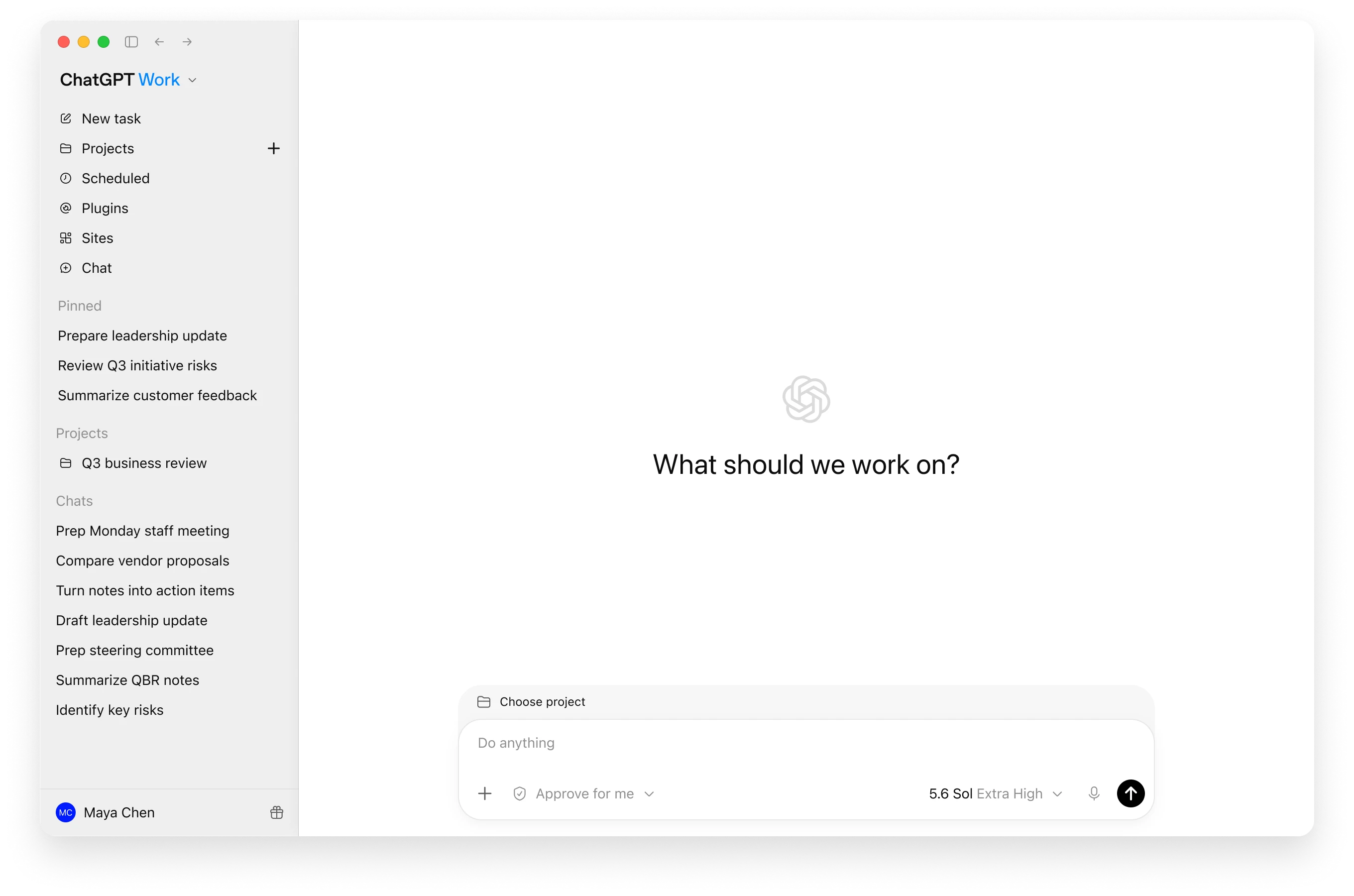
No single AI product is best for every job. ChatGPT spans chat, analysis, coding, and cross-system workflows; Claude is strong for documents, reasoning, and developer tools; Gemini connects to Google Workspace; Microsoft 365 Copilot works with Microsoft 365 context; and GitHub Copilot is embedded in the software development lifecycle. Choose around work, data, permissions, and administration—not model names alone.
Best for: Users, IT, procurement, and leadership teams building an AI shortlist or measurable pilot before buying team or enterprise licenses.Evaluate against the same work
Record each platform's results instead of assigning subjective performance scores.
| Metric | How to measure | Decision use |
|---|---|---|
| Accuracy | Compare against reference answers | Does it meet the pre-agreed threshold? |
| Total time | Preparation + AI wait + review + fixes | Compare with the same task done previously |
| Cost per accepted task | Total cost ÷ accepted tasks | Include retries and tool costs |
| Adoption | Active working users ÷ licensed users | Review unused licenses |
Calculate from your own pilot
Enter reviewer-verified counts. Count each requirement once; empty fields are not treated as zero.
Complete all 3 fields to see your results.
N/A means a denominator is missing. These metrics assess extraction against the reference set, not every aspect of quality, and do not replace human review of critical requirements.
Compare before deciding
ChatGPT: a broad AI workspace
ChatGPT combines conversation, file and data analysis, media generation, research, and Codex for software work. Business plans add a workspace, central billing, connectors, company knowledge, SAML SSO, MFA, and usage controls. OpenAI states that business data is not used for model training by default.
Claude: documents, reasoning, and development
Claude Free supports web search, file creation, code execution, connections, and extended thinking within limits. Paid plans add capacity, Projects, Research, Claude Code, and Cowork, while Team and Enterprise add organization administration. Claude app subscriptions and API usage are billed separately.
Gemini: AI across the Google ecosystem
Gemini connects work across Gmail, Docs, Sheets, Meet, Drive, Slides, and Gemini Notebook for drafting, analysis, meeting synthesis, and source-grounded knowledge. Consumer and Workspace accounts have different entitlements, so verify edition, admin settings, country, and limits.
Microsoft 365 Copilot: work context and Microsoft permissions
Copilot works with email, meetings, documents, spreadsheets, and presentations under the user's Microsoft 365 permissions. That context is powerful when information is well governed, but can amplify oversharing, so review SharePoint, Teams, groups, and offboarding before broad rollout.
GitHub Copilot: AI in the development lifecycle
GitHub Copilot can complete code, explain repositories, edit multiple files, review pull requests, and work through an IDE or CLI according to the plan. Results depend on language, repository structure, tests, and review practice. Agent-generated changes should never bypass testing and security review.
Choose without chasing model names
Models and limits change quickly. Score products on real work: accuracy, time, data access, permission control, total cost, and operating burden. Run a two-to-four-week role-based pilot, then license only the roles with a clear result.
Quotation preparation checklist
- Name three to five workflows with measurable time or quality goals
- Map the data sources and permissions AI will access
- Separate general-user, analyst, and developer requirements
- Check model, usage, file-size, and feature limits for each plan
- Assess SSO, SCIM, offboarding, retention, audit, and model-training terms
- Check integrations, API availability, and separately metered costs
- Pilot with approved data and measure time, quality, adoption, and risk
Frequently asked questions
Which AI is best for an organization?
It depends on workflow and data. Google-first teams may favor Gemini, Microsoft-first teams Copilot, while cross-system analysis or development may favor ChatGPT, Claude, or GitHub Copilot.
Must an organization choose only one platform?
No. Many use one primary platform plus role-specific tools, but each should have a defined use case and information policy to avoid overlap.
Can free plans support a pilot?
They can test basic output quality, but an organization-level pilot should include identity, administration, data controls, integrations, and support, which are often paid-plan capabilities.
Will these features change?
Yes. Models, limits, prices, and availability change frequently. This guide was updated on 20 August 2026; confirm official pages at decision time.
Sources used for verification
Vendor facts are separated from TechTouch guidance. Features, pricing, and commercial terms may change, so confirm the latest information at the time of purchase.